
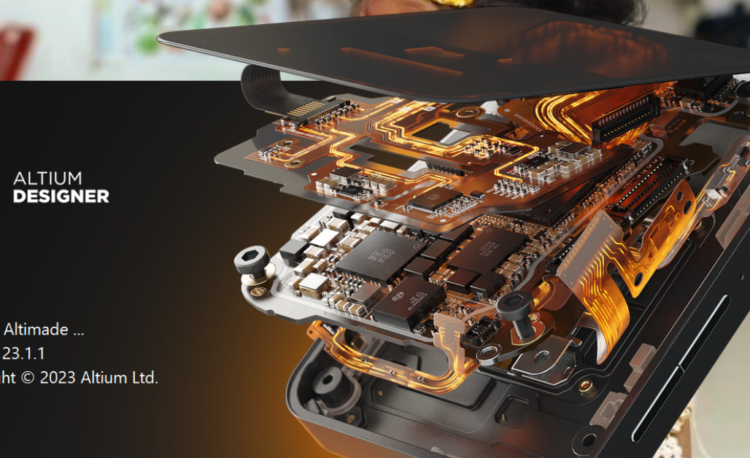
Altium PCB Designer software is one of the most widely used PCB design tools in the electronics industry. It is trusted by professional engineers, students, and PCB designers for creating high-quality schematic designs and multilayer printed circuit boards. This article explains the Altium PCB Designer software download process in a clear, step-by-step and SEO-friendly format, making it easy for beginners to understand and start designing PCBs.
Step 1: What is Altium PCB Designer Software?
Altium Designer is a professional electronic design automation tool used for schematic capture, PCB layout, and manufacturing documentation. It combines all stages of PCB design into a single platform, which improves productivity and reduces design errors. Altium PCB Designer is widely used in industries such as automotive, aerospace, medical electronics, and consumer electronics because of its powerful and reliable design environment.
Step 2: Key Features of Altium PCB Designer
Altium PCB Designer offers advanced features that make it a preferred choice among PCB engineers. It provides an integrated schematic and PCB layout environment where changes are synchronized automatically. The software includes interactive and automatic routing tools that simplify complex PCB routing tasks. Real-time design rule checking helps identify errors during the design stage. Altium also supports 3D PCB visualization, allowing designers to verify component placement and mechanical clearance before manufacturing. In addition, it generates industry-standard manufacturing files such as Gerber, BOM, and NC Drill.
Step 3: Is Altium PCB Designer Software Free?
Altium PCB Designer software is not completely free, but it offers an official free trial version for evaluation and learning purposes. This trial version allows users to explore professional features for a limited period. Students and educational institutions may also qualify for academic licenses, making Altium PCB Designer suitable for learning and training.
Step 4: How to Download Altium PCB Designer Software Step-Wise
Downloading Altium PCB Designer software is simple and safe when done through the official method. First, visit the official Altium website. Next, create a new user account or log in with an existing account. Choose the Altium PCB Designer free trial option. Select the appropriate Windows version and download the installer file. Run the setup file and follow the on-screen installation instructions. Finally, activate the software using your registered email address and start designing PCBs.
Step 5: System Requirements for Altium PCB Designer
Before installing Altium PCB Designer software, ensure your system meets the required specifications. The software requires a Windows 10 or later 64-bit operating system. An Intel Core i5 or higher processor is recommended. A minimum of 8 GB RAM is required, while 16 GB RAM provides better performance for complex designs. At least 10 GB of free disk space is needed for installation. A dedicated graphics card is recommended for smooth 3D visualization.
Step 6: Advantages of Using Altium PCB Designer
Altium PCB Designer offers many advantages to PCB designers. It provides a faster and more efficient design workflow by integrating all tools into a single platform. Real-time error checking reduces costly design mistakes. The software produces professional-quality PCB layouts suitable for manufacturing. It also supports collaboration between team members and delivers reliable output files required by PCB manufacturers.
Step 7: Alternatives to Altium PCB Designer
For beginners or users looking for free PCB design tools, alternatives such as CircuitMaker, KiCad, and EasyEDA are available. These tools are useful for learning and small projects. However, for advanced and industrial-level PCB design, Altium PCB Designer remains the preferred choice.
Conclusion
Altium PCB Designer software download is an excellent option for anyone serious about PCB design. With its advanced features, step-wise workflow, and official free trial option, Altium helps users create accurate and high-quality PCB designs. By following the step-by-step download process explained in this article, beginners and professionals can confidently start working with Altium PCB Designer software.